


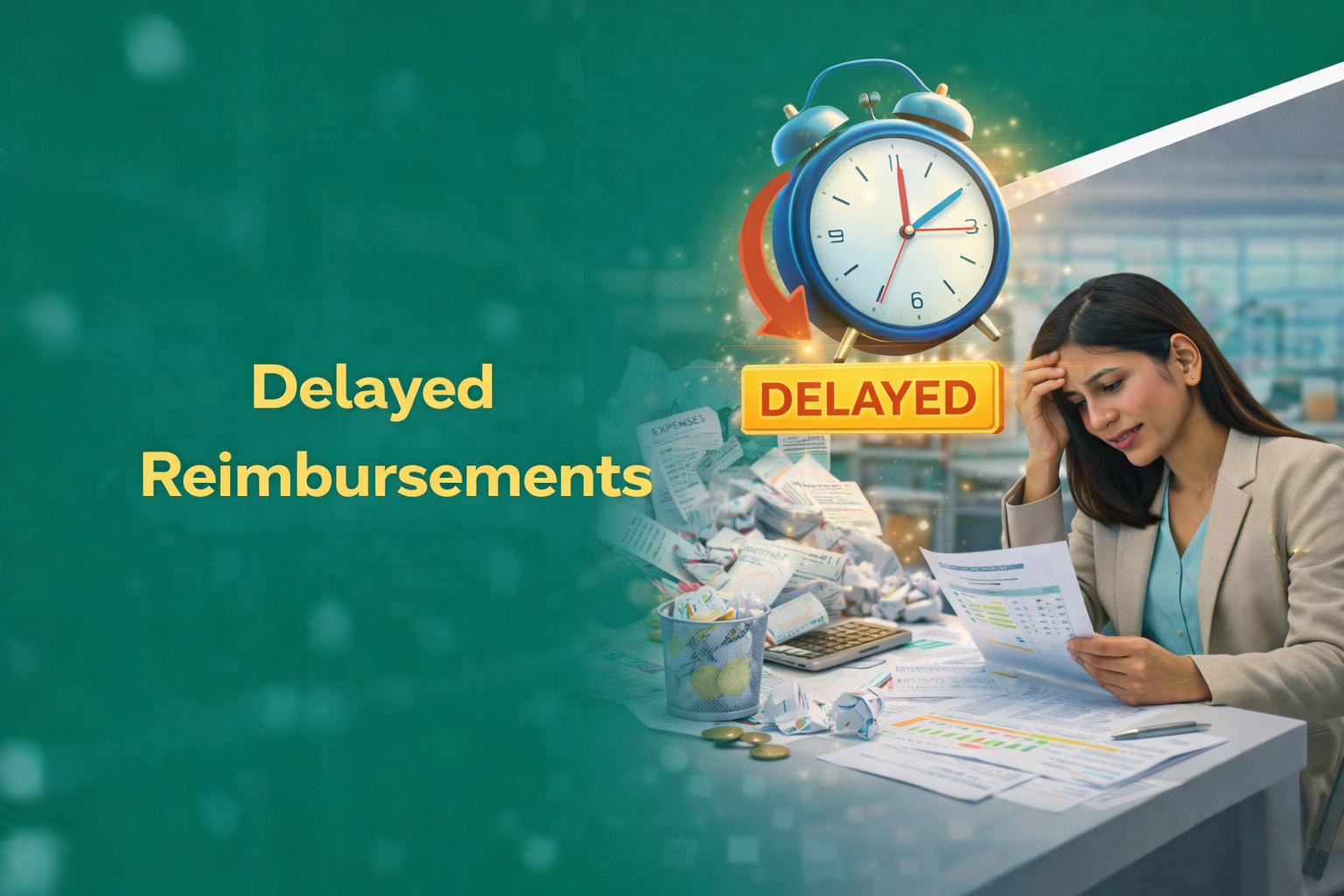
Most reimbursement delays aren’t caused by policy. They’re caused by Reimbursement Drag — manual processes that trap employee money inside approval queues.
Expense reimbursement automation exists precisely for this problem. Most Indian companies still process expenses manually. Finance teams drown in paper receipts. Managers forget pending approvals in their inbox. Employees grow frustrated watching their money sit in limbo.
This isn’t just a process issue. It’s Reimbursement Drag — when employee money gets stuck inside slow, manual systems and silently erodes trust.
The average Indian employee waits 21 days for expense reimbursements. That’s three weeks of personal funds tied up in company business. Software to reduce reimbursement delays can cut this to under 48 hours. The difference isn’t minor. It’s the gap between employees who trust their employer and those updating their LinkedIn profiles.
The Reimbursement Speed Gap
Manual: Receipts → Queues → Follow-ups → Frustration
Automated: Capture → Validation → Parallel Approval → Payout
When reimbursements slow down, trust slows down first.
Why Manual Expense Processing Causes Reimbursement Delays
Manual expense processing survives not because it works — but because no one owns the delay it creates.
Here’s what happens with paper-based processes. An employee submits physical receipts. Someone manually enters data into spreadsheets. The finance team chases managers for approvals. Documents get lost. Errors multiply. And your employee? Still waiting.
The real bottleneck isn’t approval. It’s human dependency at every step.
A 2023 study by Aberdeen Group found that manual expense processing costs companies Rs 1,200 per expense report. Processing takes 18 minutes on average. Multiply that across hundreds of monthly submissions. You’re burning time and money.
The hidden cost hits harder. Employees who wait too long for reimbursements report 34% lower job satisfaction. They feel the company doesn’t respect their time or money. And they’re right.
Common Bottlenecks That Slow Down Reimbursements
Several factors create delays in traditional expense processing:
- Missing or illegible receipts that require back-and-forth communication
- Unclear expense policies leaving employees guessing about eligible claims
- Manager unavailability during approval windows, especially during quarter-end
- Finance team bandwidth constraints during payroll processing periods
- Manual reconciliation with credit card statements causing week-long delays
- Paper documents lost in transit between offices or departments
“The biggest expense management challenge isn’t fraud. It’s the time wasted on simple administrative tasks that automation handles in seconds.”
— Rajeev Menon, CFO, TechServe Solutions
Each bottleneck adds days to the reimbursement cycle. Stack them together. You’re looking at month-long waits for routine claims.
How Expense Reimbursement Automation Speeds Up Approvals
Automation speeds up reimbursements by removing humans from tasks they were never meant to do.
The technology handles what machines do better than people. Data entry. Policy checks. Routing. Notifications. Humans focus on exceptions and decisions that require judgment.
Modern automation starts at receipt capture. Employees photograph receipts using mobile apps. OCR technology extracts merchant names, amounts, dates, and categories. No manual typing. No transcription errors. The data flows directly into the expense management system.
The software then checks each expense against company policy. Is this hotel rate within per diem limits? Does this meal expense match the travel dates? The system flags violations instantly. No waiting for finance review. Employees fix issues immediately, not two weeks later.
Key Features of Reduce Reimbursement Delays Software
Each feature below exists for one reason: to collapse waiting time.
Effective automation tools include these capabilities:
- Mobile capture with instant receipt scanning and automatic data extraction
- Real-time syncing across devices so employees submit expenses from anywhere
- Automated categorization based on merchant codes and historical patterns
- Instant notifications to approvers with one-tap approval options
- Parallel approval workflows eliminating sequential waiting periods
Automated Policy Enforcement and Expense Reimbursement Automation
Pre-set rules catch violations before submission. The system blocks out-of-policy expenses or flags them for special approval. This reduces the approval-rejection-resubmission cycle that adds weeks to processing.
An employee trying to claim a business dinner exceeding the Rs 2,000 limit sees the warning immediately. She can add justification or split the claim. The manager receives complete information for faster decisions.
Policy enforcement also maintains consistency. Every expense gets the same scrutiny. No favoritism. No oversights during busy periods.
Most delays don’t happen after rejection. They happen after confusion.
Measurable Benefits of Automating Expense Reimbursements
Numbers tell the story better than promises. Organizations using expense automation report significant improvements across multiple metrics.
Processing time drops from 18 minutes to 4 minutes per expense report. That’s a 78% reduction. Finance teams reclaim hours weekly for higher-value work.
Error rates fall below 2% compared to 8-10% with manual processing. Fewer errors mean fewer corrections. Fewer corrections mean faster payments.
The ROI calculation favors automation strongly. A mid-sized company processing 500 expense reports monthly saves approximately Rs 4 lakhs annually in processing costs alone. Add time savings and improved compliance. The payback period typically runs 6-9 months.
Fast reimbursements aren’t a perk. They’re operational hygiene.
Time Savings with Expense Reimbursement Automation Tools
The time impact spreads across all roles:
| Role | Manual Process Time | Automated Process Time | Time Saved |
|---|---|---|---|
| Employee | 45 minutes per report | 8 minutes per report | 82% |
| Manager | 15 minutes per approval | 3 minutes per approval | 80% |
| Finance Team | 25 minutes per report | 5 minutes per report | 80% |
| Total Cycle Time | 21 days average | 2-3 days average | 86% |
Time saved here compounds across payroll cycles, quarters, and attrition risk.
These savings compound. A company with 200 employees submitting 4 expense reports monthly saves over 2,000 hours annually. That’s equivalent to one full-time employee doing nothing but processing expenses.
Essential Features in Software to Reduce Reimbursement Delays
Every missing integration adds a hidden delay.
Not all expense management tools deliver equal results. Choosing the right solution requires understanding which features actually reduce delays versus which add unnecessary complexity.
Start with integration capabilities. Your expense software must connect with existing systems. Standalone tools create data silos. Data silos create delays.
Look for configurable approval workflows. Your organization has unique requirements. The software should adapt to your processes. Not the other way around.
Reporting and analytics matter for continuous improvement. You can’t optimize what you don’t measure. Dashboard visibility into processing times, bottlenecks, and compliance rates drives ongoing gains.
Integration Capabilities for Efficient Expense Processing
Critical integrations include:
- ERP systems like SAP, Oracle, and Tally for automatic journal entries
- Accounting software for real-time financial reporting
- Corporate credit card feeds for automatic transaction matching
- HR systems like HROne for employee data synchronization
- Travel booking platforms for pre-approved expense creation
Each integration eliminates a manual data transfer step. Fewer manual steps mean fewer delays and errors.
Mobile-First Design in Modern Reimbursement Automation
Your field sales team doesn’t work from desks. Your consultants travel constantly. Mobile-first design isn’t a nice-to-have feature. It’s mandatory for reducing delays.
Effective mobile apps allow complete expense management from smartphones. Receipt capture. Expense creation. Submission. Approval. Everything happens on the device employees already carry.
Offline capability matters for employees traveling to locations with poor connectivity. The app should queue submissions and sync when connection returns.
“We reduced our reimbursement cycle from 25 days to 3 days after implementing mobile-first expense automation. Employee complaints dropped to near zero.”
— Priya Sharma, HR Director, Logistics India Pvt Ltd
Speed dies the moment expense submission waits for a laptop.
Implementation Best Practices for Expense Automation Success
Most automation failures aren’t technical. They’re adoption failures.
Successful implementation requires attention to people and processes alongside the software.
Start with policy review. Automation enforces your rules consistently. Make sure your rules make sense before coding them into the system. Outdated policies create frustration when strictly enforced.
Buy-in from finance, HR, and management determines adoption rates. Finance wants accuracy. HR wants employee satisfaction. Managers want minimal time investment. Address each group’s concerns during planning.
Change management deserves serious attention. Employees comfortable with paper receipts need training and support. Resistance delays benefits realization.
Steps to Deploy Reduce Reimbursement Delays Software Effectively
Follow this implementation roadmap:
- Audit current expense processes to identify specific delay causes and problem areas
- Review and update expense policies before automation encodes outdated rules
- Select software based on integration needs, mobile capabilities, and configurability
- Configure workflows to match organizational approval hierarchies
- Run pilot program with one department before company-wide rollout
- Train employees with hands-on sessions, not just documentation
- Monitor adoption metrics and address resistance points quickly
- Optimize based on real usage data after initial rollout stabilizes
Phased rollout reduces risk. Start with a tech-savvy department. Work out issues before expanding. Quick wins build momentum for broader adoption.
If reimbursements are still slow after automation, the process — not the tool — needs fixing.
Conclusion
Reimbursement delays aren’t a finance issue. They’re a trust issue. Automation fixes them by removing waiting from the system.
OCR eliminates data entry time. Policy automation removes compliance review bottlenecks. Mobile apps let employees submit instantly. Parallel approvals cut waiting periods.
Your employees deserve faster reimbursements. Your finance team deserves better tools. Evaluate your current expense management process this week. Identify the biggest delay points. Then investigate how automation addresses each one.
See how automation eliminates reimbursement drag in real approval workflows — not just dashboards.


















 Secures Top Spot in
